Staffbase services for plugins, widgets and integrations
Staffbase services for widgets, plugins, Microsoft 365 and business systems. Ready-made in the Widget Builder or built for you.
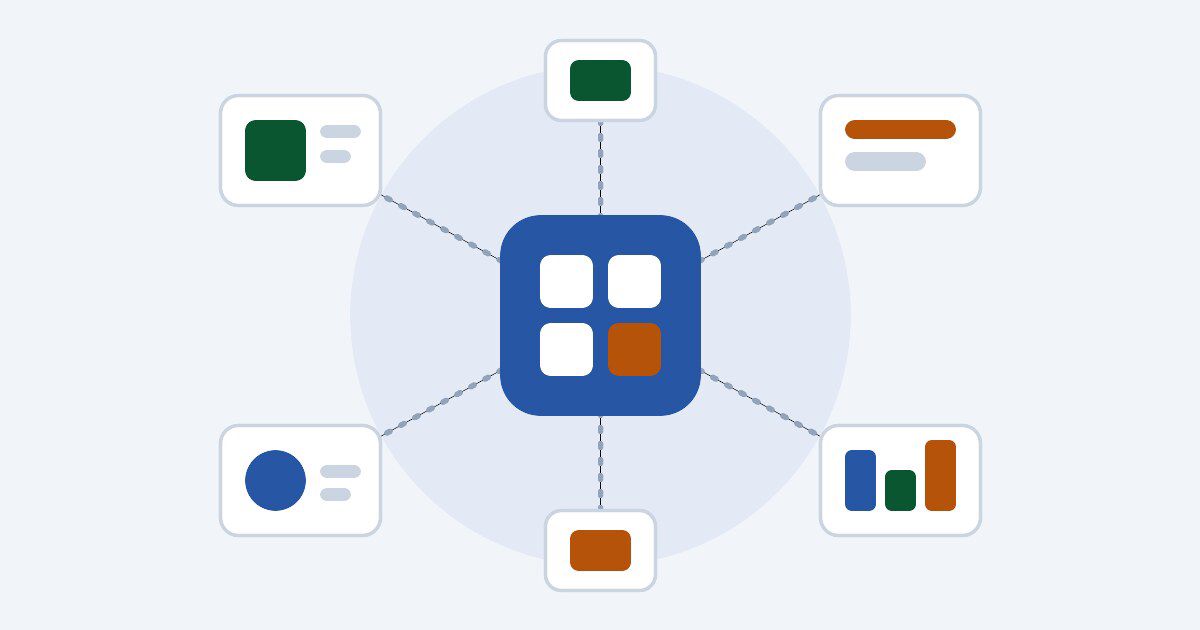
Staffbase services: what we build for you
Staffbase services extend your intranet with functions that Staffbase does not provide out of the box. We build widgets, plugins and integrations for this. Many are already available, and we develop the rest for you.
Staffbase customer success (opens in a new tab) supports you during implementation. We take care of what comes next: data from your systems, separate pages and search across Microsoft 365.
Widgets: content from your systems
A widget is a block on a news or page view: the menu, available rooms or the status of IT services. With Widget Builder, your editors set up standard widgets without code. You write custom widgets in HTML or let the AI editor build them, which JASP activates for you. The widget does not need its own login in the Staffbase intranet.
The Staffbase widgets comparison shows the ways you can extend Staffbase.
Plugins: a complete page in Staffbase
A plugin is a separate page in Staffbase, such as a dashboard or booking view. According to the Staffbase developer documentation (opens in a new tab), anyone developing a plugin runs a separate web application that authenticates with a JSON Web Token. Staffbase initiates the registration.
With the Widget Builder Full Page Plugin (opens in a new tab), a widget fills a complete Staffbase page. It runs on desktop, the mobile web and in the Staffbase app. The same widget works as a block and as a complete page. We set up the plugin once with your Staffbase administrator. Editor permissions are enough after that.
Read more in Staffbase plugin development.
Integrations with Microsoft 365 and business systems
We connect Staffbase to SharePoint, HR systems, ticketing systems and custom APIs. The M365 Search Connector brings Staffbase content into Microsoft 365 search. Staffbase + Microsoft 365 describes patterns and limits.
Ready-made apps for Staffbase
Ready-made JASP apps with a Staffbase widget cover common tasks: Room booking, JASP Events and Virtual Office. A Staffbase plugin with its own page is in development. JASP apps in Microsoft Teams and Staffbase shows the status of each app.
How a project works
- Initial consultation: You show us what is missing in Staffbase. We check whether a ready-made widget, an app or custom development fits.
- Proposal: You receive the scope, schedule and price.
- Implementation: We build and test in your Staffbase with your editors.
- Handover: Your editors manage the content themselves. We can run it for you if requested.
Are you planning the implementation? Read Staffbase implementation with a service provider and about our intranet consultancy.
Your situation
- You want to show data from other systems in Staffbase
- Your editors want to manage widgets themselves
- You need a separate page in Staffbase
- Staffbase content should appear in Microsoft 365 search
What we build for Staffbase
- Widgets for news and pages, from the Widget Builder or custom-built
- Plugins as complete Staffbase pages, with the Widget Builder Full Page Plugin
- Connections to Microsoft 365, HR systems, ticketing systems and your own APIs
- M365 Search Connector: Staffbase content in Microsoft 365 search
- Ready-made apps with a Staffbase widget: Room Booking, JASP Events, Virtual Office