Staffbase plugin development: build or use a ready-made option?
Staffbase plugin development explained: learn what a Custom Plugin needs and when a ready-made plugin with a full-page widget is enough.
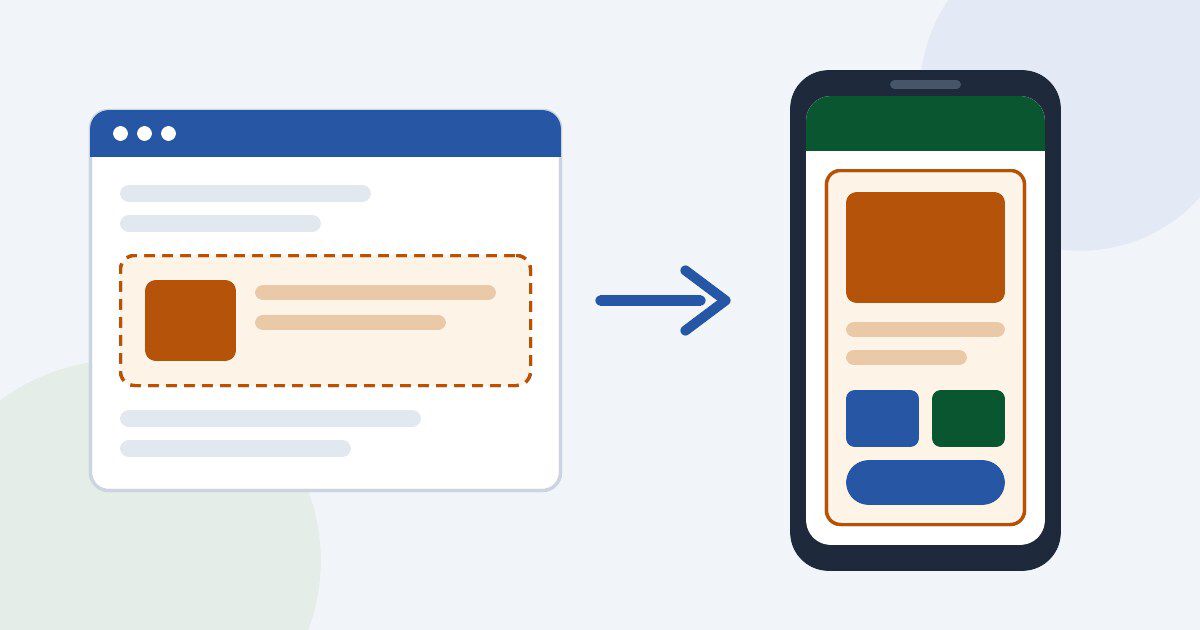
Staffbase plugin development is worthwhile when you need a dedicated page with custom logic that is not available as a ready-made option. For dashboards, lists, and booking views, a ready-made widget running as a full page is often enough. This saves you from managing a server, authentication, and maintenance.
Staffbase plugin development: What is a plugin?
For custom extensions, the Staffbase developer documentation describes two building blocks:
- According to the Staffbase developer documentation (opens in a new tab), a Custom Widget is a content block that editors place on news or pages.
- According to Staffbase (opens in a new tab), a Custom Plugin is a small web application that adds a function to Staffbase. It is hosted outside Staffbase and embedded in Staffbase.
Put simply: a widget is a component on a page. A plugin is its own application with its own page.
What does a custom plugin need?
According to the Staffbase documentation, a custom plugin needs, among other things:
- Its own web application at an HTTPS address (Custom Plugin Development (opens in a new tab)).
- Authentication with a JSON Web Token: Staffbase sends a token when the plugin opens. Your application checks it with the plugin ID and public key.
- Registration by Staffbase: You submit the plugin to Staffbase. Staffbase starts registration and activation. Your administrators then install it in Staffbase Studio.
- Operation and maintenance: If the plugin address changes, for example, Staffbase must update the registration (Lifecycle (opens in a new tab)).
The usual questions for any web application also apply: Who hosts it? Who installs updates? Who handles errors?
Build it, hire a service provider, or use a ready-made plugin?
| Option | Fits when … | You take care of |
|---|---|---|
| Build it yourself | your IT team develops and operates web applications | code, hosting, authentication, registration, maintenance |
| Service provider | you need custom logic but do not have a development team | requirements, acceptance; operation by agreement |
| Ready-made plugin | a widget as a full page is enough | content and settings |
Building it yourself makes sense if you already operate web applications and the plugin connects closely to your systems.
A service provider fits if you need custom logic but do not want to operate it yourself. We build such plugins and integrations. Learn more about our Staffbase services.
A ready-made plugin is enough if you mainly want to display or collect content.
The alternative: a widget as a full page
The Full Page Plugin (opens in a new tab) from Widget Builder displays a widget as a complete Staffbase page. It runs on desktop, the mobile web, and in the Staffbase app. The same widget works as a block on a page and as a full page. You do not build it again.
This is how it works:
- JASP sets up the plugin once with your Staffbase administrator.
- In Staffbase Studio, your editors add the “JASP Widget Builder” plugin to a page and select an active widget.
- You set up standard widgets without code. You write custom widgets in HTML or let the AI editor build them, which JASP activates for you.
The widget does not need a separate login in the Staffbase intranet. JASP operates the server. The Staffbase widgets comparison shows the available options. How does a Staffbase widget know who you are? explains how a widget identifies the signed-in user.
Which JASP apps are coming as plugins?
Room Booking, JASP Events, and Virtual Office are currently available as web apps and with a Staffbase widget. A Staffbase plugin with its own page is in development. JASP apps in Microsoft Teams and Staffbase shows the status of each app. If you prefer to build your own React components, read Custom React components in the Staffbase intranet.
Next step
Try Widget Builder: The Starter plan is free. Prices are listed on the pricing page (opens in a new tab). If you need a custom plugin, talk to us.
Over 20 years of experience with development, SharePoint, and Microsoft 365. Sascha advises companies on implementing and optimizing digital workplaces – from strategy to technical implementation.
Learn more about the author →