Search Connector: Where Your Employees Actually Find Your News
The M365 Search Connector connects your Staffbase intranet with Microsoft 365. Your news becomes searchable exactly where employees already work. Better visibility, less effort, happier employees.
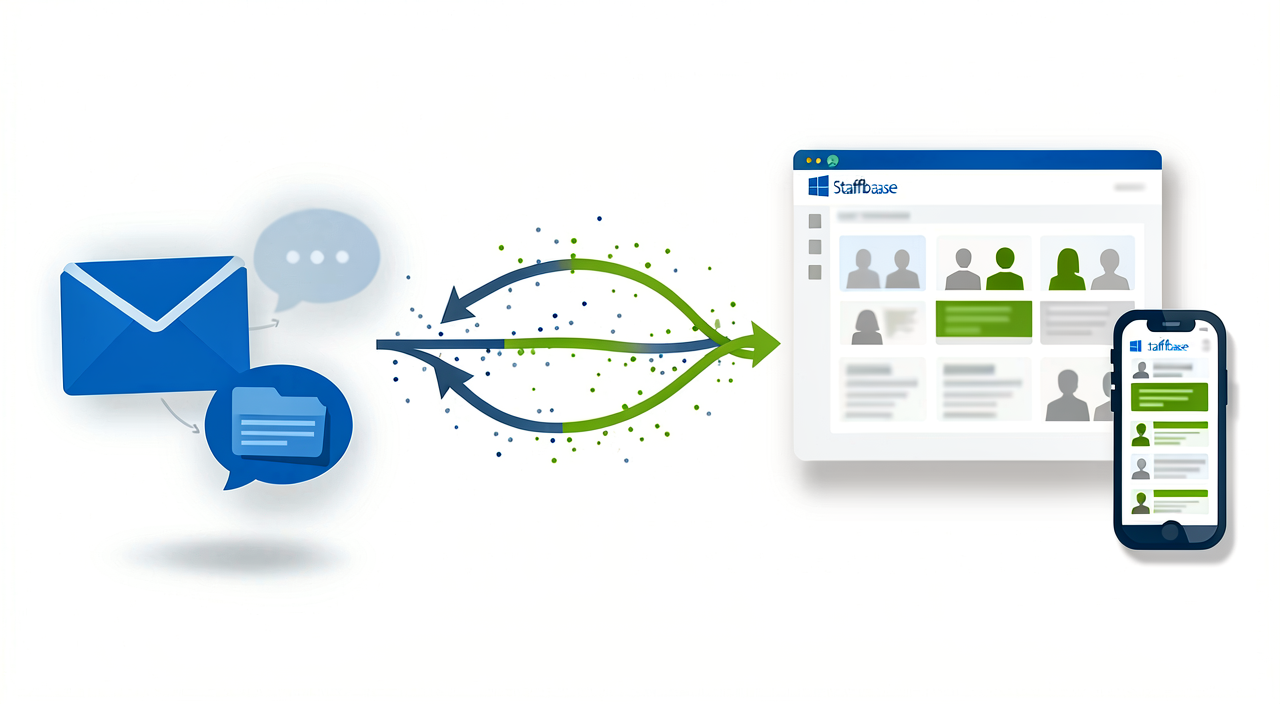
Search Connector: Where Your Employees Actually Find Your News
The Problem: News Stuck in Silos
Every communications team knows this: You publish important news in your Staffbase intranet. Yet many employees never see it. They work daily in Microsoft 365, checking Teams, Outlook, SharePoint. Your knowledge remains invisible. The result: questions land in helpdesks, misunderstandings emerge, critical information reaches the wrong audiences.
The reason is simple. Employees use the apps they know. The intranet is just another platform, another habit. For communications professionals, that’s a dilemma: multiply your content across systems, or accept that it won’t reach everyone.
The Search Connector as a Solution
The M365 Search Connector for Staffbase solves this problem at its source. It connects your Staffbase intranet directly with Microsoft 365 and makes your news searchable exactly where your team already works.
Concretely: when an employee searches Microsoft 365 for “parental leave policy” or “Project XYZ,” the corresponding Staffbase news appears automatically in the results. No redirects. No app switching. The information is right there.
Four Benefits for Your Team
1. News reaches more employees Content that’s invisible has no impact. When your news appears in Microsoft Search, the likelihood of it being read increases dramatically. Simply because employees are already searching there.
2. Less redundancy for your team You don’t need to publish across multiple systems. The Search Connector synchronizes your news automatically after initial setup. New articles? Automatically indexed. Changes? Automatically updated. Your team works as usual. Distribution happens in the background.
3. Employees find answers faster Search works through keywords. When someone wants to know about the next works council meeting, they find the news directly. No detours through separate portals. It saves time and frustration.
4. Ready for Copilot and AI Microsoft Copilot can access your intranet content when it’s indexed through the Search Connector. That means soon, “When is the next works council meeting?” Copilot can answer directly with real information from your intranet.
How It Works in Practice
Setup is straightforward. An administrator with M365 rights uses a web interface with step-by-step guidance:
- Grant app permissions in the Microsoft tenant
- Create the external connector
- Define the schema
- Start the initial synchronization
Then everything runs automatically. New news is indexed immediately upon publication. Deletions are recognized. Permissions are preserved. Users only see content they’re authorized to access.
Conclusion: Bring Information Where Work Happens
The Search Connector addresses a fundamental challenge in internal communications: the gap between your intranet and the tools employees use daily. This isn’t a marketing trick. It’s pragmatic reality. People search where they’re comfortable. The Search Connector brings your content there.
The result: better visibility for your news, less work for your team, happier employees.
For all the details and the complete product overview, check out our product page.
Want to see how this works in your environment? Get in touch for a personalized demo.