Securely Integrate External Data into Your Staffbase Intranet – Without IT Bottlenecks
How to connect SharePoint lists, HR systems, or REST APIs with your Staffbase intranet. The Widget Builder brings external data in securely and code-free – set up once, then managed independently.
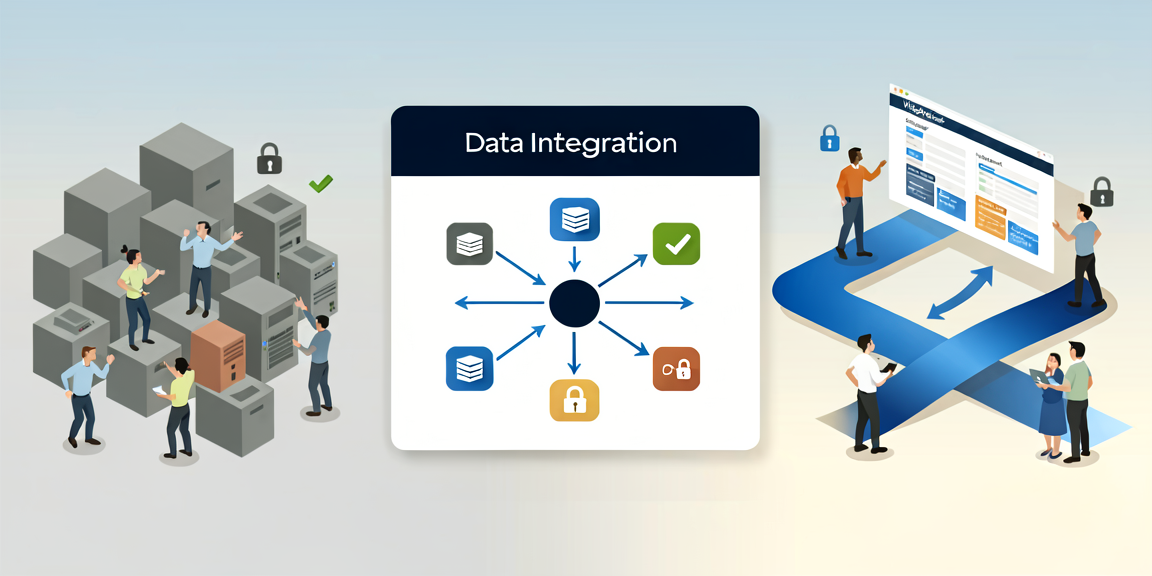
When Scattered Data Slows Down Internal Communication
Employee information lives in too many systems: SharePoint lists, external databases, HR platforms, various line-of-business applications. Every new data source requires IT involvement, interface specifications, security approvals. Editorial teams deal with this daily – cafeteria menus in one place, transit schedules in another, birthday lists somewhere else. All separate solutions, all manually maintained.
Typical Data Integration Hurdles
- Technical complexity with each new source: Every connection demands custom interface development. IT stays permanently tied up.
- Security and compliance requirements: External APIs and sensitive employee data mean lengthy approval processes – often weeks.
- Editorial inflexibility: Once integrated, editorial teams cannot change anything on their own. Every adjustment requires another IT ticket.
- Lack of transparency: In large organizations, it’s easy to lose track of which systems feed which data.
- No personalization possible: Data arrives as one-size-fits-all. Location-specific or role-based content? A lot of effort.
The Solution: Widget Builder for Data Integration Without Ongoing IT Burden
No-Code Operation with Professional Architecture
IT connects the data sources – once. After that, your editorial team works entirely without code. Adapt widgets, create new ones, update content – all independently.
Example: Work Anniversaries from HR HR data lives in a SharePoint list. The Widget Builder connects via REST API, configured once by IT with OAuth 2.0. Your editorial team then selects columns, defines filters (anniversaries in the next 30 days), and sets design parameters. The widget runs automatically – new entries appear without anyone lifting a finger.
In our projects, we regularly see this exact use case as a great starting point: it’s manageable in scope, delivers visible results quickly, and builds internal buy-in.
Native Microsoft 365 Integration
Already using Microsoft 365? The Widget Builder works with your existing SharePoint lists, Excel files, Power Automate flows, or Microsoft Graph data. Authentication runs through your existing Microsoft mechanisms – no separate identity management needed.
Flexible External Data Sources
The Widget Builder also connects external REST APIs:
- Transit schedules from public transportation systems
- Menus from catering management systems
- Weather data for field service employees
- Energy consumption from facility management
Personalization Built Right In
The Widget Builder natively uses Staffbase targeting. A cafeteria menu widget automatically displays only the menu for the employee’s location – based on Staffbase profile data. One data source, multiple personalized outputs.
How It Works: Four Steps
Step 1 – One-Time IT Setup IT connects data sources through standardized protocols (OAuth 2.0 for Microsoft 365, API tokens for external services). All credentials are encrypted, connections run over HTTPS. Fully auditable.
Step 2 – Editorial Access Your team selects preconfigured data sources from dropdowns, previews available data, and arranges fields via drag-and-drop – like modern website builders.
Step 3 – Automatic Updates Widgets update themselves. Changes in the source appear without manual intervention. IT sets the update frequency: every 15 minutes for live data like transit schedules, daily for menus.
Step 4 – Central Overview All active connections remain centrally visible for IT and communications leadership. No sprawl, no guesswork.
What This Actually Delivers
For Your Editorial Team
- Work independently – new content and changes without IT tickets
- Consistent content straight from the original sources – no manual transcription errors
- More time for strategic communication instead of data upkeep
For Your IT Department
- One-time setup instead of constant maintenance
- Controlled self-service without compromising security
- Fewer support requests through clear responsibilities and intuitive operation
- Full control over all connections through centralized management
For Your Employees
- Relevant information in the right place, at the right time
- Current data without switching systems
- Better user experience, higher platform adoption
Start Pragmatically
Many organizations begin with one or two concrete use cases – a cafeteria widget or anniversary integration. After successful pilots, they expand step by step. This minimizes risk, produces quick visible wins, and lets both sides – IT and editorial – learn the system.
A practical tip: for your first use case, pick something that doesn’t involve sensitive data. That simplifies the security setup and lets you run through the entire process before tackling HR data.
Conclusion
Scattered data sources are the norm in most organizations, not the exception. The question is how much effort each integration takes. The Widget Builder turns custom interface work into a standardized process: IT sets up the connection once, the editorial team works independently from there. Less coordination, fewer tickets, more autonomy on both sides.