Low-Code for Your Intranet: Why IT Teams and Business Departments Both Benefit
Build Staffbase widgets without lengthy development projects – using the Widget Builder from JASP. Free up your IT team and give business departments real autonomy.
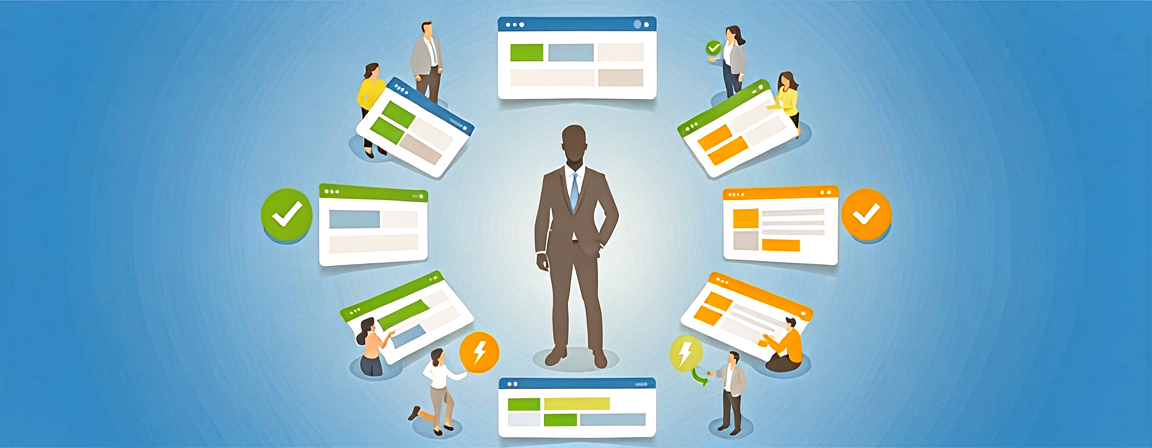
Here is a scenario most IT teams know too well: A department urgently needs a cafeteria menu widget for the intranet. Not a big ask – but the IT backlog is packed, hiring an external developer is too expensive, and weeks pass before anyone has bandwidth. Low-code approaches solve exactly this dilemma: Staffbase extensions get built in hours instead of weeks, without sacrificing security or control.
What Does Low-Code Actually Mean in a Staffbase Context?
Low-code does not mean “no code.” It means you do not need a full-stack development project to build a working widget. The Widget Builder from JASP picks up right there:
- Build your own Staffbase widgets – using HTML, CSS, and some JavaScript, but without a build pipeline or framework setup
- Pull in data from existing systems – whether SharePoint lists, Microsoft Graph, Google Calendar, or any REST API. Connections are configured through the UI, not through custom server-side code
- Move faster than the traditional path allows – no ticket ping-pong between departments and development
In practice, it works like this: A business department describes what they need, someone with basic web skills builds it – often the same day. That gives teams real ownership again.
What Does the IT Team Actually Gain?
Less Clutter in the Backlog
An onboarding welcome widget, public transit departure times for the lobby display, the cafeteria menu – individually, none of these are complex. But collectively, they clog up the development backlog. With the Widget Builder, they never land there in the first place. A tech-savvy colleague from the business side or a junior developer can handle them independently.
More Time for Projects That Truly Need IT
When routine tasks disappear, capacity opens up for work that genuinely requires deep expertise: architecture decisions, security concepts, complex integrations. It sounds obvious, but in practice it makes a noticeable difference – especially on small IT teams.
Transparency Instead of a Black Box
Unlike some SaaS solutions, the Widget Builder lets you see exactly what is going on. The code is visible, connected data sources are transparent, and there are no hidden third-party dependencies. For IT security managers, this matters because audits and risk assessments become significantly easier.
Predictable Costs
No external developer for a menu widget. No weeks-long project timeline for a SharePoint list view in the intranet. Costs stay calculable, and ROI typically shows up after the second or third widget.
Easy Maintenance
Something that often gets overlooked: Widgets need ongoing care. When the cafeteria changes its menu feed or an API endpoint shifts, someone has to update the widget. With the Widget Builder, that takes minutes – not a new development project.
The Path to Your First Widget
- Register and connect – Log in with your Staffbase URL and link the Widget Builder to your instance.
- Build your widget – In the web-based editor, connect your data sources (SharePoint, Microsoft Graph, REST APIs) and design the layout. Basic HTML and CSS knowledge is enough.
- Publish – Copy the widget URL into Staffbase Studio and the widget is immediately visible to your employees. No deployment process, no approval loop through central IT.
From our experience at JASP: Most customers have their first widget live within 30 minutes. Not as a demo – in production.
When Low-Code Fits – and When It Does Not
Low-code is not a silver bullet. For complex business logic, deep system integrations, or applications with strict compliance requirements, you still need traditional development. But for the many small and medium-sized needs in internal communication – that is exactly what it is built for.
The question is not “low-code or real development?” but rather: Where does each approach make sense? Companies that make this choice deliberately free up their IT and give business departments more autonomy at the same time.
Contents
Related Content
HR in Focus: How Widgets Strengthen Employee Retention
27.11.2025Countdown Widget in Staffbase Intranet: Drive Participation for Events and Campaigns
24.11.2025The Widget Builder from JASP: Three Strategic Advantages for Your Internal Communication
30.10.2025Staffbase Widgets in Practice: What Actually Works – and What We Learned Along the Way
04.06.2025