Staffbase Widgets in Practice: What Actually Works – and What We Learned Along the Way
How to actually improve internal communication with Staffbase widgets: practical tips from JASP projects on dynamic content, user engagement, and common pitfalls to avoid.
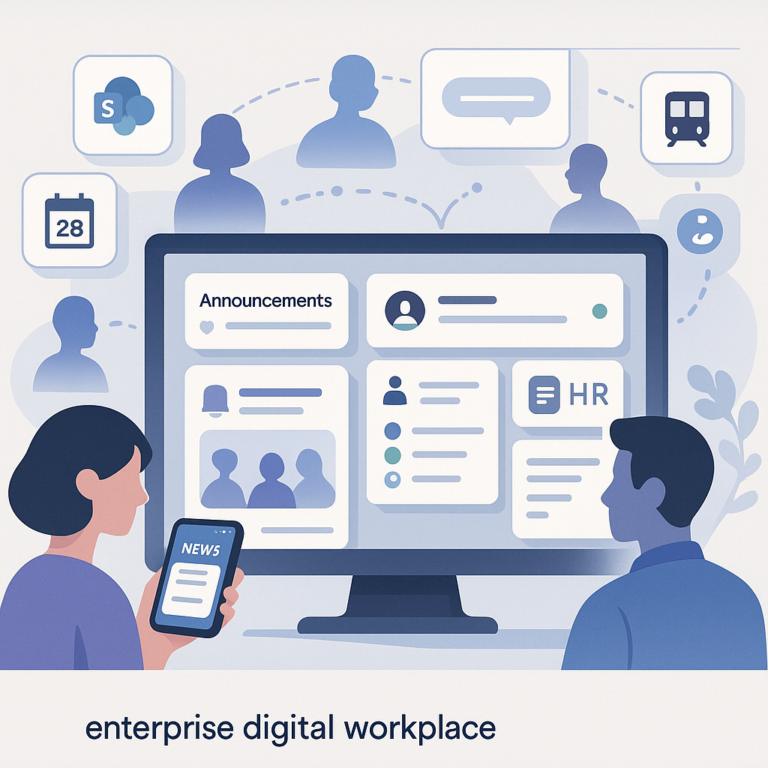
Your employees scroll past important updates because they drown in the noise? Then the problem likely isn’t the content itself – it’s relevance. That’s exactly where Staffbase and its dynamic widgets come in. We’ll show you what actually made a difference in our projects – and where you should watch out.
What Staffbase Brings to the Table
Staffbase consolidates news, updates, and company information in one place. Sounds standard enough. The difference is in the details:
- Personalized news feeds controlled through user profiles and segmentation – not simply “everyone gets everything”
- Push alerts that only fire for truly relevant info (the temptation to push everything is real – resist it)
- Mobile app and desktop simultaneously, so warehouse workers and office teams have the same information
- Single Sign-On via Azure AD or other identity providers – no separate password, no barrier at first login
What has the biggest impact with our clients: SSO and the mobile app. Without both, adoption rates typically drop below 30%. With both in place, we see 65–80% adoption within the first three months across our projects.
Dynamic Widgets: More Than Pretty Tiles
Widgets in Staffbase aren’t static info boxes. Through the Widget Builder, you can create sections that behave differently based on user role, location, or department. In practice:
- News widgets show the sales team in Hamburg different content than the production floor in Dresden – automatically, via audience tags
- Service desk widgets replace picking up the phone: create an IT ticket, search FAQs, check request status – all in the same window
- Survey widgets deliver real-time feedback, for example on satisfaction after the last town hall or about a cafeteria redesign
By the way: through the Staffbase API, you can also connect external systems. In one project, we pulled SAP SuccessFactors data into a widget so employees could see their remaining vacation days directly in the app – no switching between tools.
All widgets are responsive and adapt to smartphone, tablet, and desktop. Sounds obvious, but with custom widgets it’s not always the case. Test on real devices early, not just in a browser simulator.
User Engagement: How Employees Actually Stick Around
Having a platform isn’t enough. People need a reason to open it regularly. What we see in practice:
- Personalized start pages are the strongest driver. When someone only sees information relevant to their role, time spent on the platform increases measurably
- Feedback mechanisms like comments and quick polls give employees the feeling of being heard. But careful: if you ask, you need to act on the answers. Nothing kills engagement faster than ignored feedback
- Gamification (points, badges, leaderboards) works – but not everywhere. Technical teams tend to enjoy it, senior leadership less so. Use it selectively
- Analytics help you understand which content gets read and which doesn’t. Staffbase provides solid dashboards for this
One point many underestimate: onboarding. Greeting new employees on day one with a preconfigured start page – welcome message, checklist, key contacts – makes a noticeable difference in early engagement.
What We at JASP Have Learned from Staffbase Projects
We help companies introduce and evolve their Staffbase setup. A few things that consistently prove true:
Talk to End Users Early, Change Less Later
Sounds obvious, yet it’s frequently skipped. We start every project with interviews across 3–5 different user groups. The results are almost always surprising: what the communications department considers relevant and what production floor employees actually need are often far apart.
Real-World Example: Weekly Mood Check via Widget
A mid-sized manufacturing company wanted to regularly collect feedback on work climate. We built a widget that delivers a short weekly survey (3 questions, under 60 seconds to complete). Participation reached 72% – well above the industry average for this type of survey. The key was that results were visibly fed back: a short weekly update on what was changing based on the feedback.
Three Things We Recommend to Every Client
- Involve stakeholders earlier than you think. Not just at go-live, but already during requirements gathering. This reduces resistance later
- Training isn’t a one-time event. The platform evolves, and so does usage. Quarterly refresher sessions (30 minutes) keep competency levels up
- Take change management seriously. A new platform isn’t an IT project – it’s a culture project. Without leaders who actively post themselves, acceptance drops
What Comes Next
Staffbase provides solid tools for internal communication. But tools alone aren’t enough. The difference between “we rolled it out” and “it’s used daily” lies in the execution: the right widgets for the right audiences, onboarding that deserves the name, and a team that continuously adjusts course.
If you’re about to introduce Staffbase or aren’t happy with your current adoption – get in touch. We’ll take a look at your situation and tell you honestly where the biggest lever is.