How Do You Bring Your Own React Components into Staffbase?
Native widget bundles in Widget Builder: upload your own front-end build as ZIP or JS/CSS, version it, and place it in Staffbase.
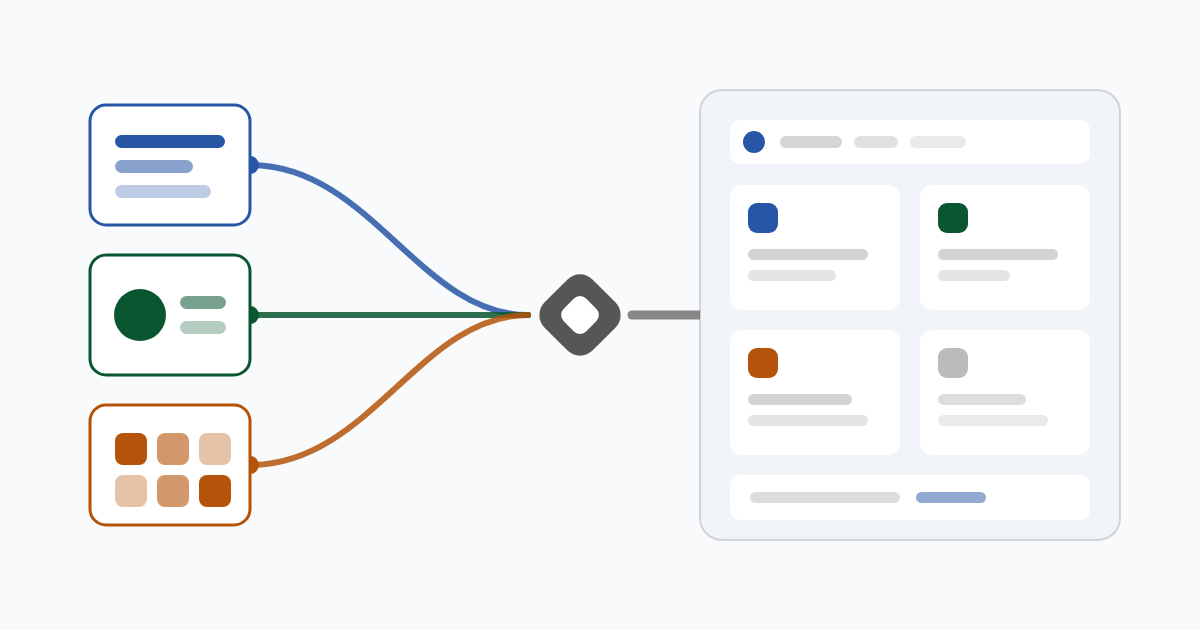
Your team built a React component that already runs in a portal or a line-of-business app. In the intranet you could not use it. Since Widget Builder release 3.8.0 of 1 June 2026 you upload the finished build as a native bundle and place it in Staffbase like any other widget.
Why can’t you simply copy existing front-end code into the intranet?
Until then, Widget Builder produced widgets from Handlebars templates, text blocks with placeholders that are filled with configuration values at display time. For counters, lists, and feeds that is enough. A React application with its own state, its own components, and its own build does not fit that format. It would have to be rebuilt in another technology and then maintained twice.
What is a native widget bundle?
A native bundle is the finished front-end build of a widget, so the dist folder from your build tool, plus a manifest.json holding the metadata. You upload both to Widget Builder, and Staffbase receives the result as a built-in widget. Unlike a Handlebars widget, a bundle ships its own JavaScript, plus optional CSS and further files. At display time it is mounted either as a React component or as a web component, meaning a building block the browser itself manages. The server detects which of the two it is from the uploaded files.
Every placement gets its own instance identifier, and brand colors are set as CSS variables on that container instead of globally. That is why two copies of the same widget with different settings can sit on one page.
How does the bundle get into Widget Builder?
Since the release, the admin area has an overview of all bundles. There you upload either a ZIP archive or the individual JS and CSS files. Name, version, and description can be edited afterwards, files re-uploaded, and bundles deleted in the same place. Release scripts can use a command-line upload instead. Fixed limits apply: at most 10 MB per file, at most 256 files, relative paths only.
How do you manage versions without putting the intranet at risk?
Exactly one version per bundle is active. You activate a new version deliberately, which deactivates the previous one. Individual tenants can be held on a version so an update does not surprise them. For a trial run there is canary delivery: a new version first goes to a defined share of tenants, and the assignment is deterministic, so a tenant always lands in the same group. For a security update, one switch releases every pinned version at once. Activations and canary changes are written to the audit log.
On delivery the manifest is cached briefly, the bundle files long term, because they no longer change within a version. Before loading, the player checks the SHA-256 checksum, the file’s fingerprint, against the value in the manifest.
Native widgets are also tied to the license. Without the enableNativeWidgets flag, a tenant’s widget list returns the classic widgets only.
How do editors configure such a widget?
For native widgets the editor shows the Settings, Translations, and Branding tabs. Code and layout are gone, because both live inside the bundle. The settings form is generated from the configuration schema in the manifest, and translations are checked against the keys declared there. A banner shows which bundle version is active and whether a newer one is available. If two people save at the same time, the server reports a conflict instead of quietly overwriting the older change.
What does the pipeline check before an upload?
Bundles have their own CI pipeline. It builds every bundle, runs lint and tests, validates the manifest against the required fields, computes the checksums of the output files, and stops when eval patterns show up in the JavaScript or the packed bundle exceeds the size limit. The default limit is 200 KB.
When is a native bundle worth it?
Choose a native bundle when the surface needs its own state, its own data calls, and real interaction. For a countdown, a link list, or a feed, a configured widget stays the faster route. Two example bundles came out of the release, a prediction game and a plant-watering widget. Everything else Widget Builder does is on the product page.
Do you have a React component that belongs in your Staffbase intranet? Contact us. We look at your build and work out the manifest, the settings, and the version plan with you.
Over 20 years of experience with development, SharePoint, and Microsoft 365. Sascha advises companies on implementing and optimizing digital workplaces – from strategy to technical implementation.
Learn more about the author →