Countdown Widget in Staffbase Intranet: Drive Participation for Events and Campaigns
How a countdown widget in your Staffbase intranet increases attention for events, campaigns, and deadlines – with practical tips and a step-by-step guide using the Widget Builder from JASP.
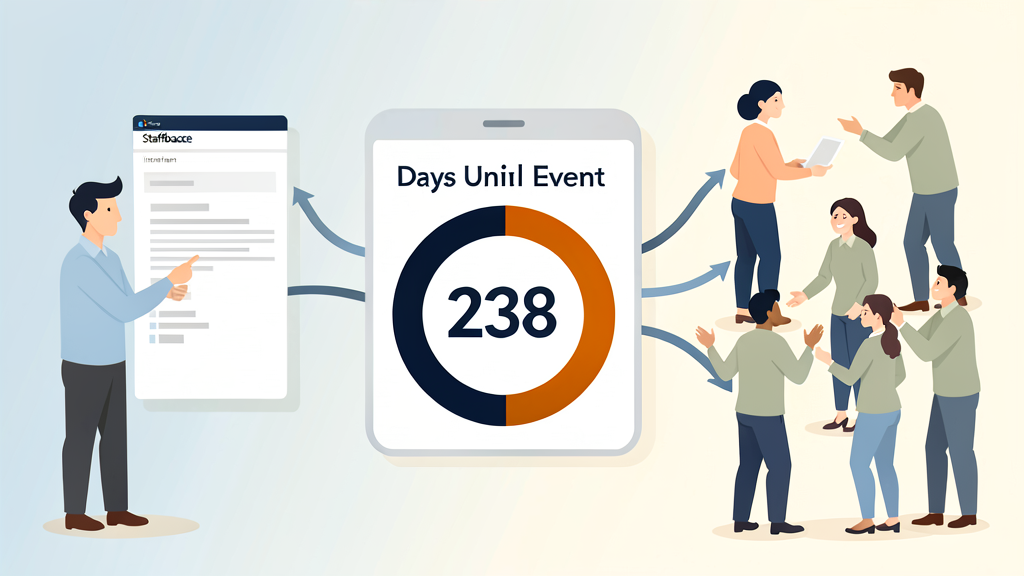
Why a Countdown Works Better Than an Announcement
The news is on the intranet, the invitation has been sent – yet hardly anyone signs up. It is a pattern we see with many of our clients. What is often missing is not the information itself, but the right nudge at the right time. A countdown widget provides exactly that nudge: it makes the remaining time until an event visible and gives an announcement a tangible timeframe.
How Countdowns Capture Attention
- Time pressure drives decisions: When employees see a registration deadline closing in three days, they are more likely to act than with an open-ended invitation.
- Visual anchor: A running timer stands out on the homepage – unlike another news post that gets buried in the feed.
- Building anticipation: Especially for events like company gatherings or product launches, a countdown can noticeably raise excitement across the team.
Staffbase as a Foundation for Internal Communication
Staffbase is one of the well-established platforms for internal communication – from desktop apps to mobile use on the shop floor. The platform offers channels such as app, web, email, and digital signage. To extend Staffbase beyond its standard features and tailor it to your needs, the Widget Builder is available.
Widget Builder from JASP: Custom Widgets Without Coding
The Widget Builder from JASP extends your Staffbase intranet with custom widgets – no coding required. In our day-to-day work with Staffbase, we noticed that many teams have similar needs: a timer for the next town hall, a personalized greeting, or an info box with transit departure times. That is exactly why we built the Widget Builder.
What the Widget Builder Offers:
- Quick setup: Register with your Staffbase URL, then embed the widget via copy-paste into Staffbase Studio.
- Versatile use cases: Countdown timers, personalized greetings, departure boards, info boxes, and more.
- Fully customizable: Colors, logos, and fonts can be styled freely. Create as many widgets as you need.
- No IT overhead: The editorial team can create and manage widgets independently – no IT tickets required.
Where Countdown Widgets Help in Practice
From our project experience, countdown widgets work particularly well in these scenarios:
- Product launches: A timer on the homepage ahead of a launch keeps the topic top of mind. Our clients tell us that sign-up numbers for accompanying events have increased noticeably.
- Internal competitions and challenges: A visible countdown motivates participation – especially when rolled out globally with teams competing across locations.
- Mandatory training and compliance: A timer showing the remaining deadline tends to improve on-time completion rates significantly, based on what we have seen in practice.
- International campaigns: With the Widget Builder, you can create multilingual timers that adapt to local needs.
A practical note: a countdown alone does not make a campaign successful. It works best as an amplifier in combination with good content and clear calls to action.
Step-by-Step Guide
- Register: Sign up with your company URL at Widget Builder.
- Design your widget: Customize the countdown – colors, content, and logos.
- Embed: Paste the generated widget URL into Staffbase Studio via copy-paste.
- Done: Your countdown widget is visible to all employees within minutes – on app and web.
You will also find inspiration galleries and video guides in the Widget Builder to help you get started.
Tips for Effective Use
- Place the countdown widget on the homepage or in the news feed – where it cannot be missed.
- Combine the timer with a clear call to action, such as “Register now” or a link to a sign-up page.
- Test the widget on different devices. Mobile display matters, especially in companies with frontline workers.
- Use countdowns selectively – not for every piece of news. A timer for the summer party works; one for the weekly newsletter probably does not.
Next Step
If you want to extend your Staffbase intranet with countdown widgets or other custom building blocks, take a look at the Widget Builder. You can try it directly – no development effort and no IT ticket needed.