Automate Staffbase with n8n: the new community node by JASP
n8n-nodes-staffbase: create news posts, read channels, users and comments, start workflows from Staffbase webhooks. Three examples and installation.
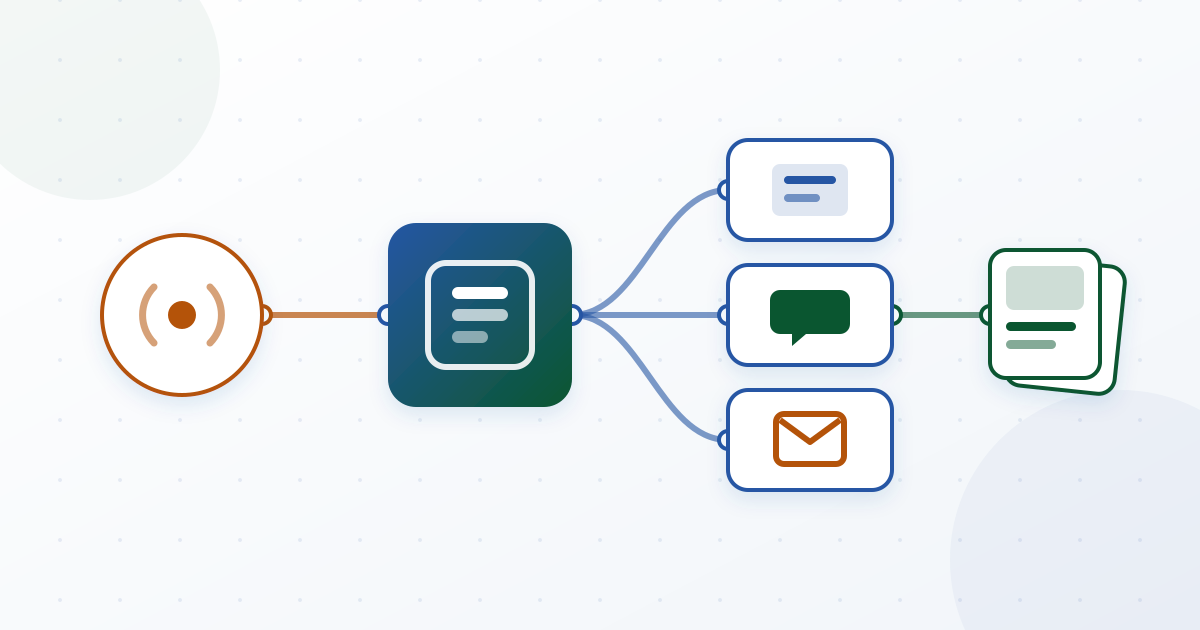
If you want to publish Staffbase news from other systems or react to comments, you have so far had to build the HTTP calls yourself. Our new n8n node n8n-nodes-staffbase does that work for you: Staffbase becomes a regular node in n8n, with credentials, dropdown fields and a trigger for Staffbase webhooks.
What the node does
The package contains two nodes. Staffbase reads and writes through the public Staffbase API:
| Area | Operations |
|---|---|
| Posts | create as draft, publish now or schedule; get, list, update, delete |
| Channels | get, list |
| Users | get, list, optionally with profile fields |
| Comments | get, list |
Staffbase Trigger starts a workflow when Staffbase reports an event: comment created, updated or deleted, user changed or deleted. The trigger checks the signature of every delivery. If it does not match or is older than five minutes, the trigger rejects it.
n8n AI agents can also use the Staffbase node as a tool, for example to search posts or create a draft.
Three workflows to import
The repository contains three ready-made templates. Import them in n8n via Workflows > Import from File, fill in the channel ID, feed URL or email addresses and pick your credentials.
1. RSS feed to Staffbase drafts. Every six hours, n8n reads an RSS feed and creates a draft post in a Staffbase channel for each new item. Your editors review and publish. Nothing goes out unchecked.
2. New comments to Slack. The trigger reacts to “Comment Created”, the Staffbase node fetches the comment, and n8n sends its text to a Slack channel. Moderators see new comments without keeping Staffbase open.
3. Weekly digest by email. Every Monday at 8:00, n8n fetches the ten latest articles and sends an email with title and teaser. Useful for everyone who rarely opens the app.
Installation in a self-hosted n8n
The node has been on npm since 12 November 2026, with a provenance statement: npm records which source code and which build the package came from. n8n has not verified it yet. Until then it runs only in an n8n instance you host yourself, and only users with the Owner or Admin role can install it there (n8n guide (opens in a new tab)).
- In n8n, open Settings > Community Nodes > Install.
- Enter
n8n-nodes-staffbase, confirm the risk notice and install. - Create an API token in Staffbase Studio. User details and most write operations need an administrative token.
- In n8n, create a Staffbase API credential: the API URL of your app (for example
https://yourapp.staffbase.com/api) and the token. n8n tests the connection by reading your channels.
The trigger needs one more step. Staffbase documents no API to register webhooks. Copy the production URL of the trigger node, activate the workflow and create the webhook in Staffbase Studio under Settings > Extensions > Webhooks. Enter the signing secret shown there as a Staffbase Webhook Signing Secret credential in n8n.
What to know before you start
- No webhooks for posts. Staffbase does not report new news by webhook. To react to new posts, poll with “Post > Get Many” on a schedule.
- Notifications on update. If you set push or email when updating a post, the notifications go out again to all readers.
- One language per call. The node writes content for one locale,
en_USby default. Add more languages with one “Update” per locale. - Testing. On 12 November 2026 every operation and the trigger ran through the npm package in n8n against a Staffbase test app. Not checked live: sending notifications and the errors for a token without the right permissions.
Open source, feedback welcome
The source code is MIT licensed and on GitHub (opens in a new tab), the package is on npm (opens in a new tab). Report bugs and requests there as an issue.
How n8n connects Staffbase and Microsoft 365 is covered in Connect Staffbase API + Microsoft 365 with n8n. If you want to show data from other systems directly in the intranet instead of moving it with a workflow, a widget fits better: widgetbuilder.de (opens in a new tab) lists the integrations that work without code.
Want a Staffbase workflow without setting it up yourself? Automation & Workflows explains how we deliver n8n projects.
Over 20 years of experience with development, SharePoint, and Microsoft 365. Sascha advises companies on implementing and optimizing digital workplaces – from strategy to technical implementation.
Learn more about the author →